



#01
Context that travels with the conversation.
Customer record, channel state, and intent signals reach the agent or AI handling the interaction. Nothing gets re-entered or lost at handoff.


Modern contact centers run across platforms that weren't built to behave as one. We make sure they do.

Between your platform, digital channels, and AI, the integration layer determines how service is actually delivered. Its job is to make those systems behave as one operation for the agent and one experience for the customer. Three things tell you whether it's working.
#01
Customer record, channel state, and intent signals reach the agent or AI handling the interaction. Nothing gets re-entered or lost at handoff.
#02
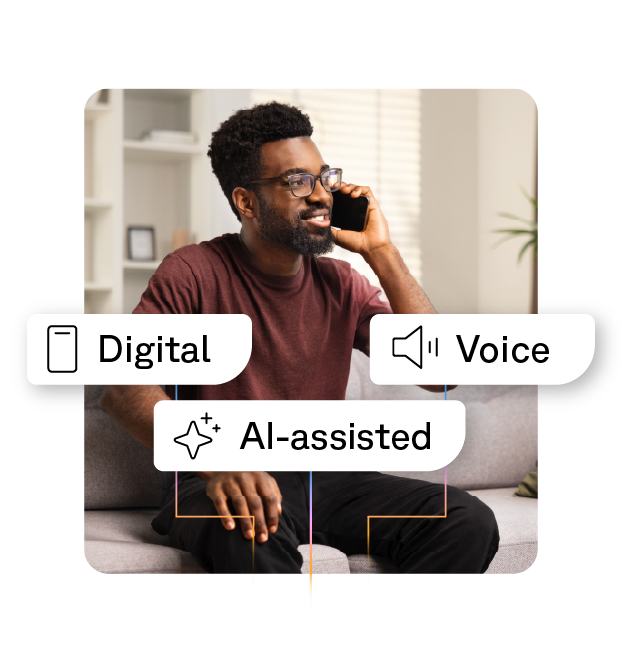
Consistent logic for who handles what, applied across voice, digital, and AI-assisted interactions. Queue design that reflects how service actually runs.
#03
One view of how service is performing across channels, platforms, and automated interactions, instead of having to interpret different dashboards.

The systems that run a modern contact center come from different vendors and serve different purposes. We build the connections between them, so a journey that begins in Webex Connect routes into the CRM with its context intact, while AI tools and agent desktop operate on one shared interaction.

Voice queues through the contact center platform. Chat is handled inside the CRM. Messaging runs out of a vendor admin console that customer service doesn't own. Each channel has its own routing rules and its own reporting, and the operation pays for that fragmentation in agent effort and supervisor visibility.

The self-service bot resolves what it can and drops the customer into a queue with no conversation history attached. The live agent picks up cold. The customer repeats themselves, and the deflection metric the bot was credited for doesn't survive contact with the actual outcome.

Real-time agent assist runs off a transcript without visibility of the customer's case history. The voicebot pulls from a knowledge base the email-triage AI can't see. Each tool resolves its narrow task without the broader context that would make the resolution useful, and the AI investment delivers a fraction of what it could.

Voice metrics, digital metrics, and AI metrics each get defined inside the system that produces them. Answering the basic cross-channel question — how is our service performing? — becomes a reconciliation project rather than a dashboard query, because no two systems agree on what an interaction is.

A new channel gets stood up by another team — marketing launches WhatsApp, sales enables a chat widget — and customer service finds out when the volume hits. The bot vendor was chosen on a different procurement cycle than the contact center platform. The integration backlog grows, and the channels added most recently are the ones agents trust least.
We start from how your agents already handle service and how your customers already move between channels, then integrate the channel and AI choices you’ve made to fit that reality. The platform ends up serving the workflow it’s there to support. See our Contact Center Evaluation page for the full approach.
If your agents work inside Salesforce but your voice and digital channels are routed through Webex Contact Center or Webex Connect, Elements brings them together in a single integrated agent desktop without forcing either side to change. Channels stay professionally routed, the Salesforce investment keeps delivering, and agents see one interface. Available on the Salesforce AppExchange.
We design the integrations that let those tools operate on a single shared interaction rather than separate copies of it, so a bot-to-agent handoff carries the full conversation even when the bot and the agent desktop come from different vendors. The same principle keeps real-time transcription and agent assist working from the case record the agent already has open. See our Conversational AI page for the full picture.
We design the ownership model alongside the technical architecture, so platform updates, new channel additions, and AI changes flow through a single change management process. Our operations teams in Switzerland, Germany, and the US stay involved long after go-live. More detail on the Customer Success page.


A large regulated contact center environment where telephony, email, and digital channels now operate under a single model. The integration work is what made consistent handling possible across systems, and what lets the internal operations team keep control as the service evolves.

A national postal and logistics operator running high-volume service across chat, email, and digital alongside voice. What lets it operate as one coherent service layer at national scale is the integration work beneath it, so reporting and performance hold together across channels rather than being stitched up at the end of each quarter.

A large Swiss retailer handling significant volumes across email, web chat, SMS, and omnichannel routing. Learn how those channels are orchestrated, governed, and reported against as one operation.
